Home / Guides
How to Build a Website: A Beginner's Roadmap
Building a site is easier than it has ever been. The hard part is deciding what it is for. Here is a plan that takes you from idea to live in a weekend.
Step 1: Decide what the site is for
Write one sentence: "This site helps [who] do [what]." If you cannot, you are not ready to build yet.
Step 2: Sketch the pages
- Home: what you do and where to go next.
- About: who you are.
- One or two pages that deliver your main value.
- Contact details or a way to reach you, if relevant.
Step 3: Pick your way to build
There are three routes. A website builder gives you templates and hosting in one place. A content management system like WordPress gives you more control. Hand-coded HTML and CSS gives you the most control and teaches you the most. See our comparison.
Step 4: Choose a domain and hosting
Pick a name with our domain guide, then see hosting types to decide where it lives.
Step 5: Write for people
Use plain words, short paragraphs and clear headings. Add one photo or diagram per page where it helps.
Step 6: Publish and check
- Open the site on your phone and a computer.
- Click every link.
- Check it loads over HTTPS.
- Ask a friend to find your contact page without help.
Step 7: Make it findable
Read SEO basics and add a sitemap.
Gear and reading that fits this guide
Photos and links go to Amazon. Check the current price, model and seller there.

HTML and CSS: Design and Build Websites
A friendly, beautifully laid out first book on how web pages are made.
Check it on Amazon →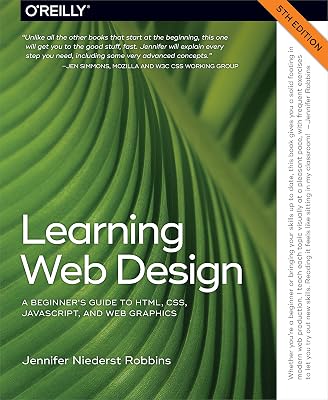
Learning Web Design
A gentle walk through HTML, CSS, JavaScript and web graphics.
Check it on Amazon →Want the whole shelf sorted by type? Browse all Top Picks →